Case Study in Knowledge Management: Brazilian JiuJitsu club
Knowledge management is a relatively new term in business management. It essentially refers to the process of maintaining and keeping organizational knowledge as old employees leave and new employees joins.
Knowledge—both discrete (knowing about something) and procedural (knowing how to do something)—exists in the heads of people. When they leave an organization, they also take that knowledge with them. This can lead to an organization losing access to vital information (e.g. how to update a website) and cause the successors great trouble.
Effectively, a good knowledge management system will maintain a knowledge repository (typically documents), provide a system that helps people access the information when they need it, and capture new vital knowledge when it is created.
In the following sections, I’ll talk about some of the key principles of Knowledge Management and provide some examples from a KMS system I designed for my Brazilian Jiujitsu club.The club is run by students who are regularly replaced by other students. It’s imperative to provide them with a system that onboards and is easily accessible.
My goal is to simply provide you with an intuition on how Knowledge Management would work.
Capture key information and store it
A key component of Knowledge Management is capturing the right information and storing it. If you capture everything it can be overwhelming to sift through, capture too little and the guide will be useless.
Capturing Knowledge
The first step is to recognize who you expect to be using the knowledge management system and identify the key information (discrete knowledge) they use and the processes they engage in (procedural knowledge).
There are several ways to do this. Here are a few.
- Have them write the information down: Unfortunately this can be quite a lot to ask someone. Though providing templates that give structure what to capture can help.
- Automatically record their process: If the activity is performed on the computer, there are applications that record the screen of someone doing a key process. For example, this can be done with “Steps Recorder” or windows screen capture. You will usually need to add some captions after the fact to help future viewers know what to look for.
Luckily for me, some of the officers had already begun writing down their common processes (to keep them from forgetting). I was easily able to use this as a base for my knowledge repository.
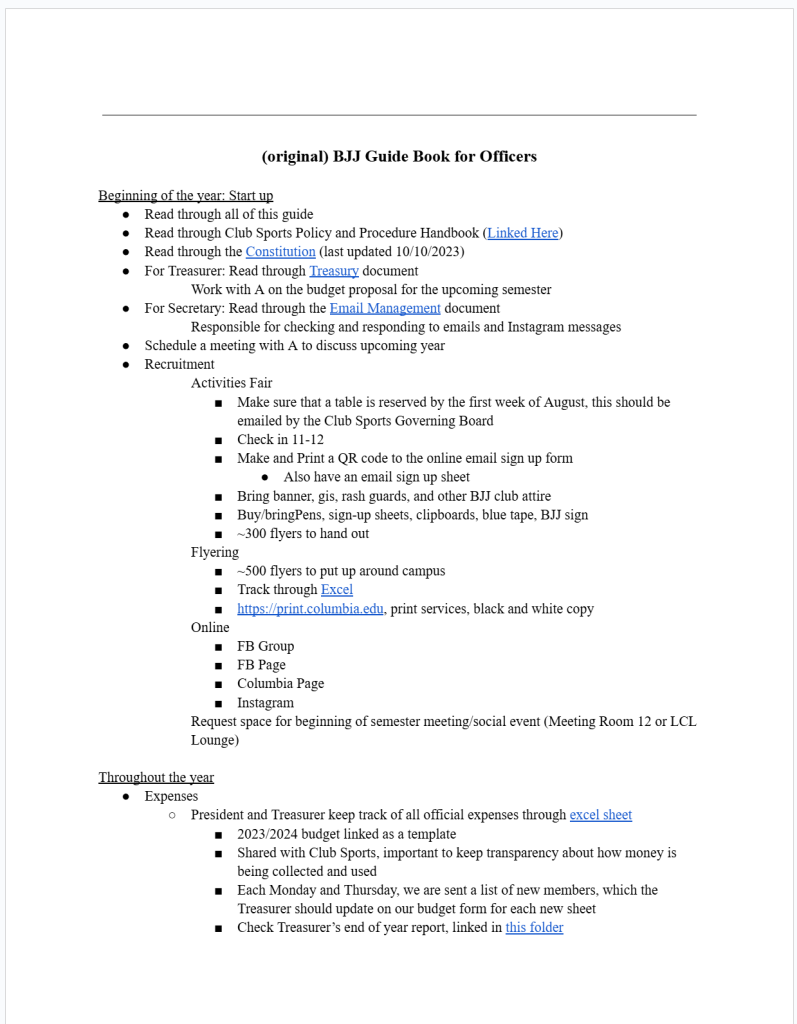
With the BJJ club, the officers had already begun to write notes to keep track of things they needed to do and their timeline.
I was able to use this draft and begin to build a framework for a knowledge repository.
Storing knowledge
How should I store the information?
Like many questions, the depth of this question is revealed by recognizing the options available to us.
- Put all of the information into a single document.
- Put multiple documents into a folder.
- Include both recordings and documents.
- Store all of the information on a local machine/network for security and stability.
- Store all of the information on the digital cloud for accessibility.
For the BJJ club, I initially decided to keep all of the information in a google document with different tabs leading to different sections.
There wasn’t enough information to make it overwhelming yet.
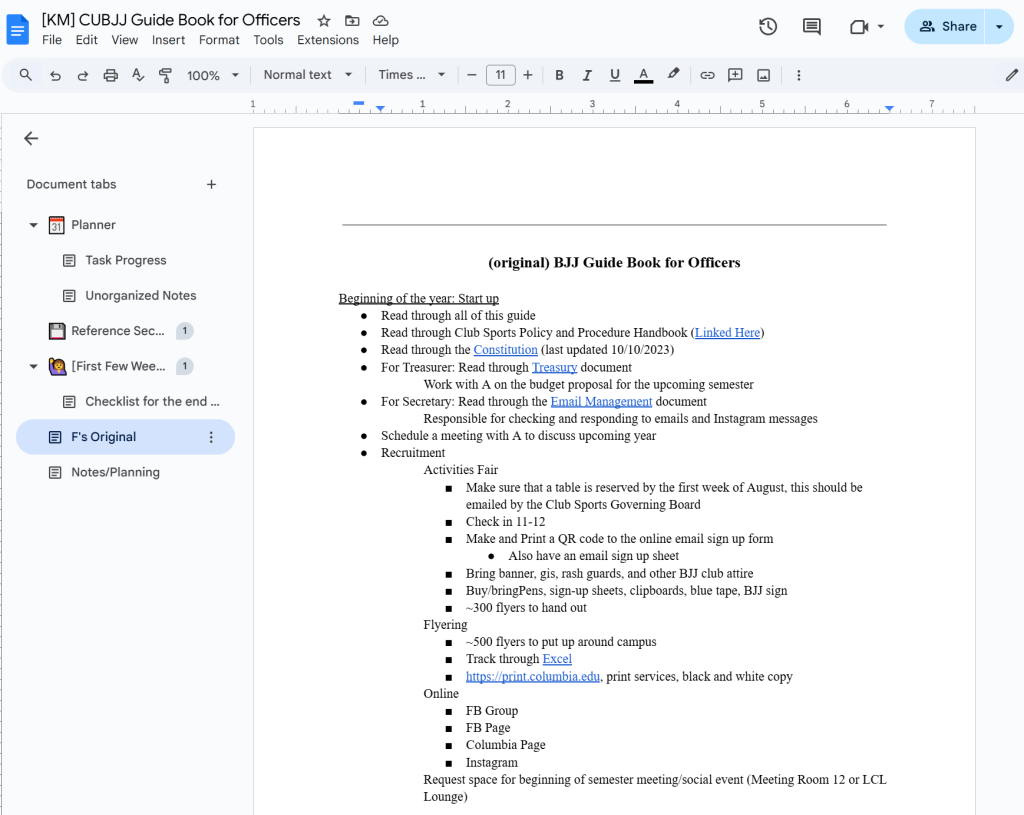
There are several choices to be made. Many organizations make the mistake of believing that putting several documents into a cloud drive is sufficient for a knowledge management system. Unfortunately, this can quickly become overwhelming as the cloud drive becomes populated with hundreds of documents, without any indication of relevance.
This is where the second challenge comes.
Present the information in an accessible way
As mentioned, many organizations simply throw their documents into a folder and consider it “managed knowledge.” The trouble with this process is the difficulty in finding the information you need. Unless you open up every single document, you will not be able to know where the relevant information is located.
This is one of the reasons why many knowledge repositories remain unused: the idea of sifting through hundreds of documents to find relevant information is too overwhelming for most. They often go to their co-workers to find the relevant information.
So “How can we make relevant information more accessible?”
There are basically two answers:
- Help people become more familiar with the organization system (i.e. teach them how to use the encyclopedia)
- Make the system more familiar.
Teach people the system
The first option is to teach people how to navigate the knowledge repository. We can use signs and labels to indicate where each piece of information is stored, and where they should look to find it. An example of this would be teaching library visitors how to use the Dewey Decimal system.
This approach typically puts the burden onto users of the system, which can lower motivation in using the system. Typically, users have to find enough value in the system for them to commit the energy to learn it.
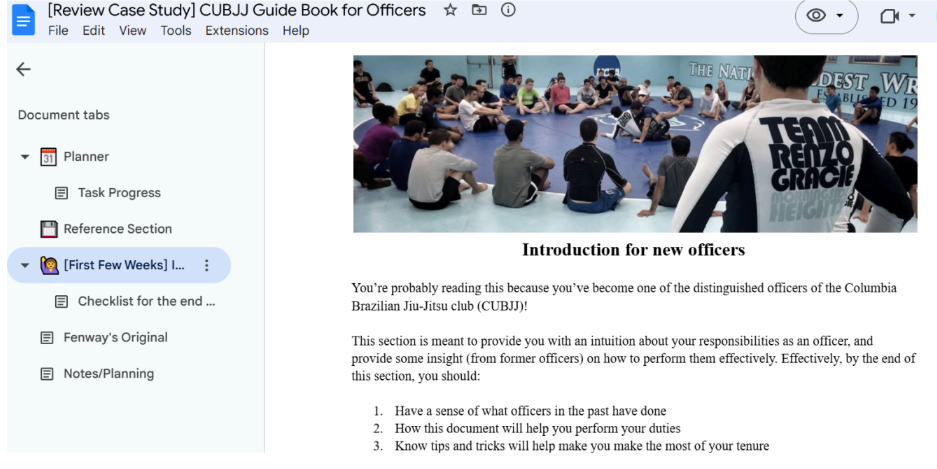
I used a google doc because students were familiar with the system because of how often they use it in their studies.
I further provided an “introductory tour” that quickly described what the knowledge repository included and where the information could be found.
Make the system more familiar
In the other direction, we can build the system’s organization in ways that are familiar to the users. We can look at the types of interfaces users interact with: Their computer UI, their phone UI, google drive, Wikipedia, video game menus, etc. This way they can transfer their knowledge of how those systems are organized and apply it to yours. The ease in navigation will make it easier for them to engage with the Knowledge Management System.
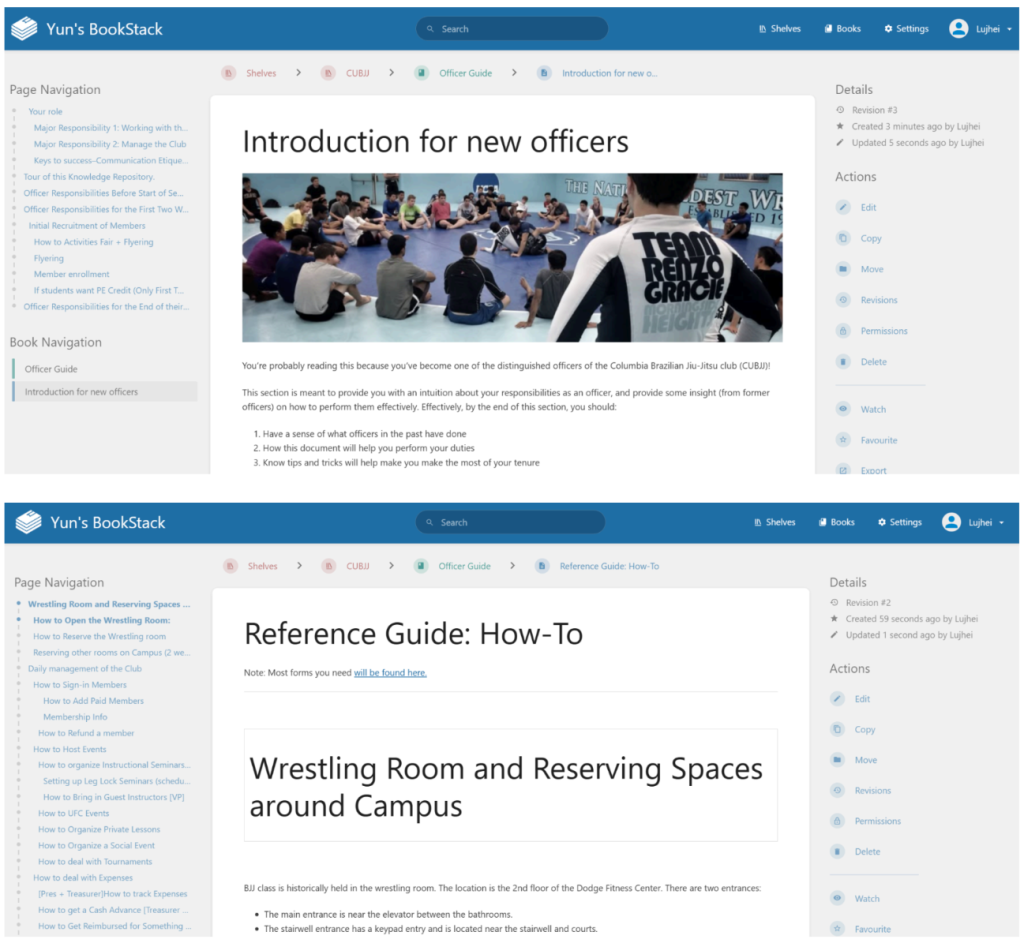
For my second iteration, I turned the Knowledge Repository into a searchable wikipedia-style system. This made searching for information far more accessible and helped motivate users to engage with the system.
While they could have used “Ctrl+F” to search, I find people are more likely to use search functions when they are visible and obvious.
Another option: Make it “human”
With the onset of generative AI, we have a potentially new way of engaging with our knowledge repositories. Rather than learning the process of finding the information (e.g. how to use a dictionary) we can engage with it through natural language by asking questions.
We can use generative AI technology, such as Retrieval Augmented Generation (RAG) to search our documents for relevant information, summarize it, and provide sources for us to evaluate it’s effectiveness.
At least, that’s the dream.
Currently, the technology is not quite at the point where we can do it effectively and reliably. We either need more specialized models, powerful models, or other technology. We can have models that are very good at looking at specific types of documents and interpreting them. But an all-purpose catch-all model isn’t quite there yet.
However, we can get close.
Capture new Information/Better methods
The last component is perhaps one of the most important. We want to ensure that the knowledge is up to date and relevant in all organizations, but especially organizations in fast changing fields. As such, it’s critical to establish some sort of system for capturing the new information or updating previous practices.
There are a few ways to do this: We can either have regular check-in updates, or we can have people create updates on their own. Its a large burden to ask users to capture their own notes. However, many users already keep their own notes of new changes—you could simply ask for those and update the site.
For BJJ instructions are given to officers at the end of the year. Again, its typically difficult to get people to update their guide when they have other responsibilities. Often organizations have specialized roles for keeping these systems up to date.
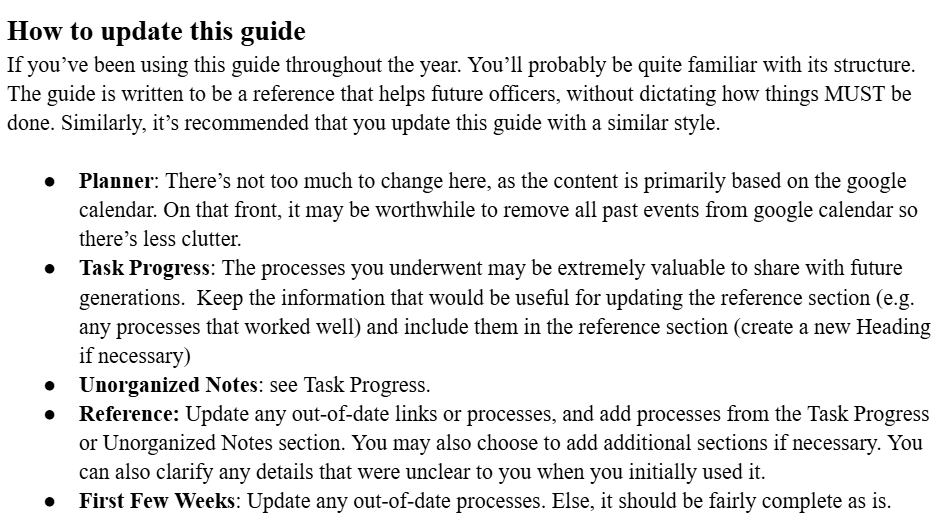
For a more detailed write-up of the BJJ club KM process, follow this link.
Leave a Reply